Apps · VisibleHour · Visual timer
Visual timer
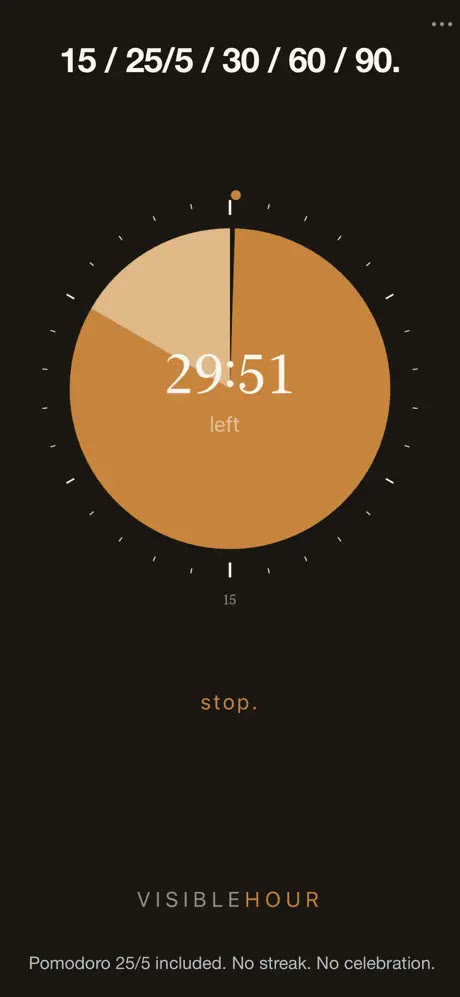
Watch the time drain instead of reading it. Pick a length, press start, and the amber wedge shrinks toward 12 o'clock as the minutes go. A soft chime at the end. Free, in your browser.
Why a timer you can see
- A shrinking wedge shows how much is left at a glance, from across the room, without reading numbers.
- The dial scales to the length you pick, so a 10 minute timer fills the whole face just like a 90 minute one.
- It helps when minutes are hard to feel: homework, a work block, the last stretch before you need to leave. More on that: time blindness.
- Children can see time passing before they can read a clock.
How to use it
- Pick 5 to 90 minutes, or type your own length.
- 25/5 runs 25 minutes of focus then a 5 minute break, the Pomodoro rhythm.
- Press start., or tap the dial. Tap again to pause.
- Full screen for a classroom, kitchen or meeting room. Keep screen on stops the screen sleeping.
- Turn the chime off for a silent countdown. The tab title shows the time left while it runs.
The same dial, on every screen you own
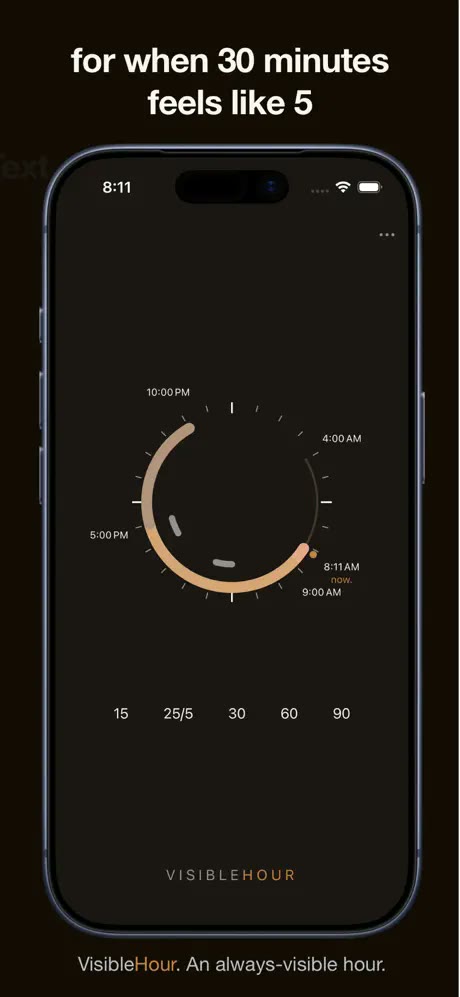
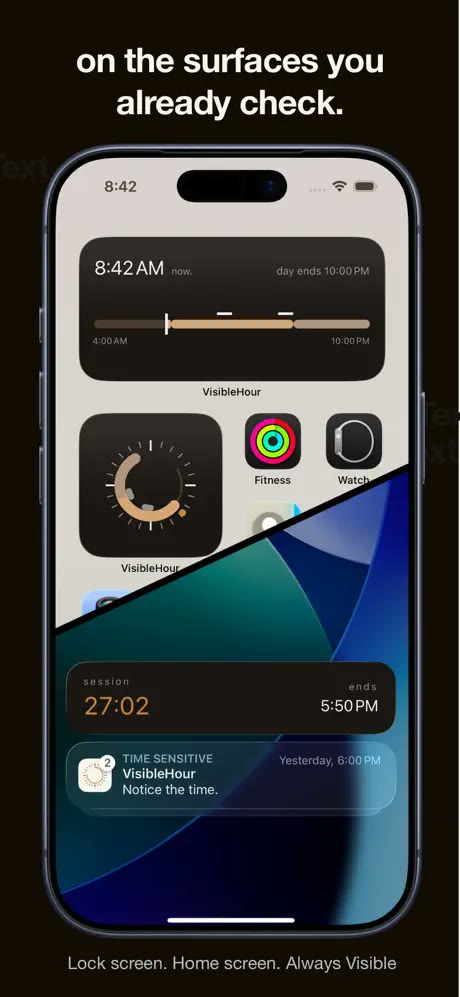
VisibleHour is our app for keeping time in view. The day drains on a 24-hour dial, sessions drain at the center, and your Apple Watch gives a quiet tap when you've been at something too long. It lives in the Dynamic Island, on your Lock Screen and Home Screen, on your wrist and in Vision Pro.
$4.99 once, no subscription. One purchase covers iPhone, iPad, Apple Watch and Apple Vision Pro. Also on Android, sold separately.


Questions
What is a visual timer?
A timer that shows time as a shape instead of only as numbers. Here the time left is a wedge that shrinks toward 12 o'clock, so you can tell at a glance how much is left without reading the digits.
Does it keep running if I switch tabs or close the page?
Yes. The timer counts to a fixed end time, so switching tabs doesn't slow it down, and if you close the page and come back in the same browser it picks up where it is. The chime can only play while the page is open.
How does the 25/5 setting work?
It runs 25 minutes of focus followed by a 5 minute break, the Pomodoro rhythm. The break shows as a lighter wedge, and you hear one chime when the break starts and another at the end.
Can I use it in a classroom or on a big screen?
Yes. Full screen shows just the dial and the time, large enough to read across a room. Keep screen on stops a laptop or tablet from going to sleep.
Can I set a length that isn't listed?
Yes. Type any number of minutes, up to 600, in the box under the presets. The dial scales to the length you choose.
Is it free?
Yes. There is no account, no ads and nothing to install. The page uses Google Analytics to count visits; your timers are not sent anywhere.